Inside the Liveprinting App
After more than 2,500 activations, we learned the hard part of live personalization isn't the laser or the needle. It's everything around it: spelling a guest's name right, knowing which size is still on the shelf, keeping a line moving when 200 people want a jacket in the same hour, and giving the brand something to show for it afterward.
So we built our own platform. Every event gets its own branded ordering app, a production queue for our crew and a live dashboard for the client. Here's what it does, using screens from real events.
Every event gets its own app
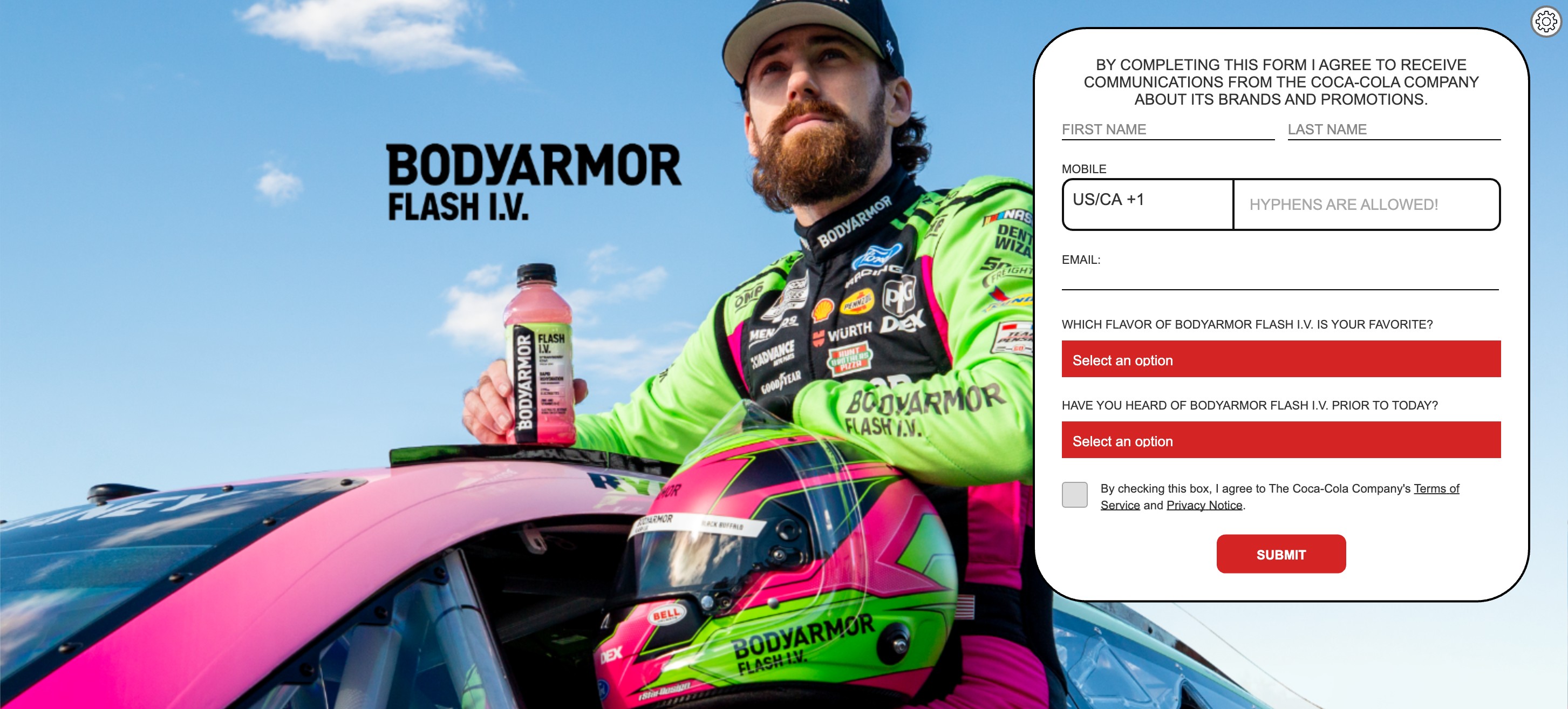
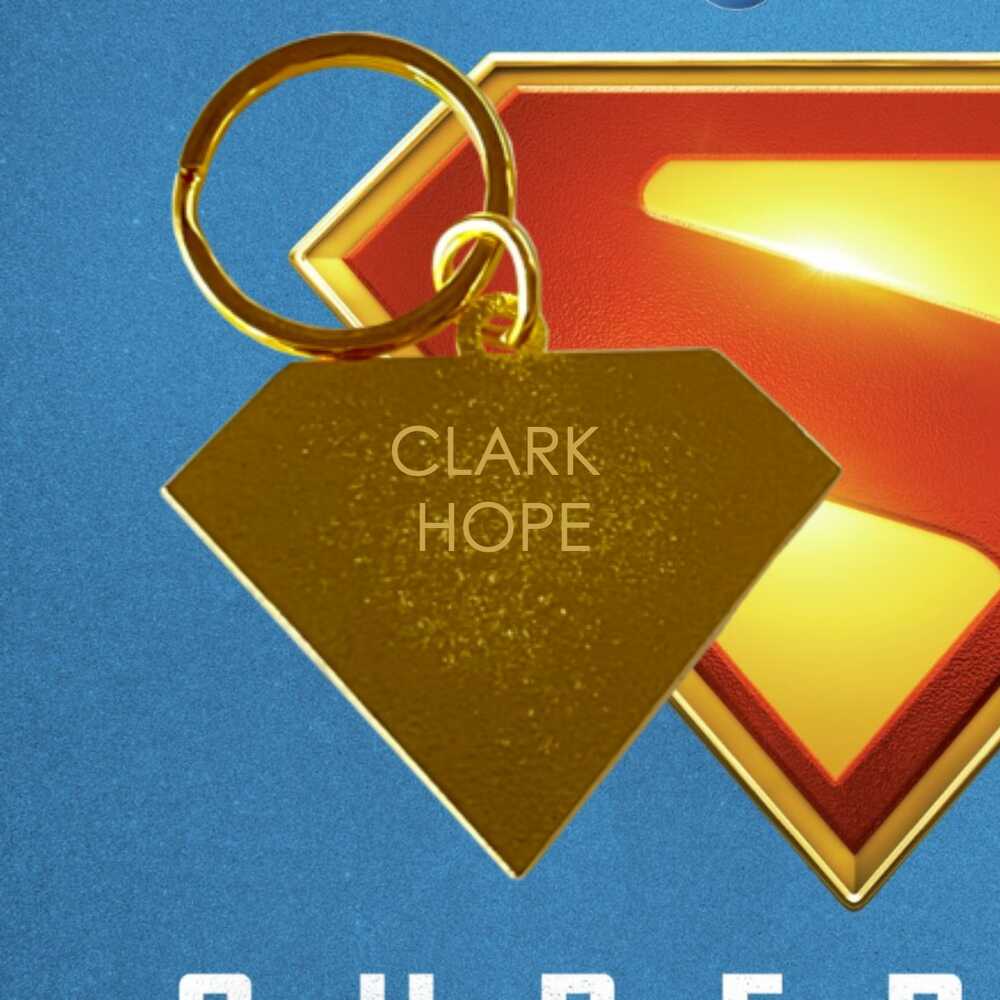
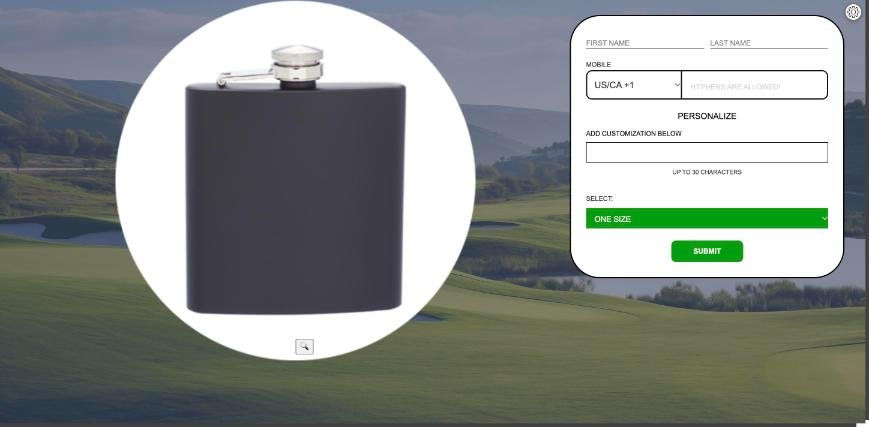
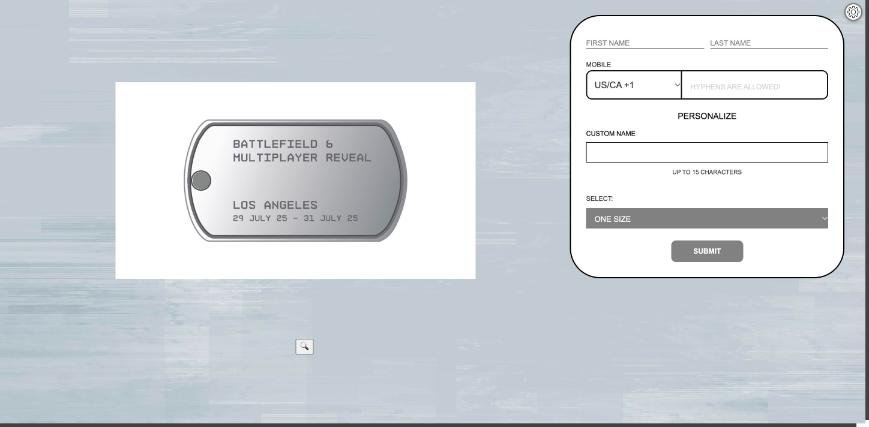
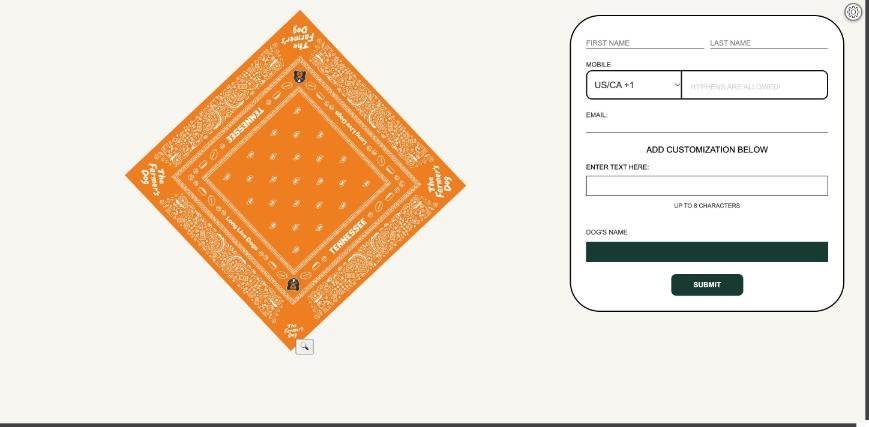
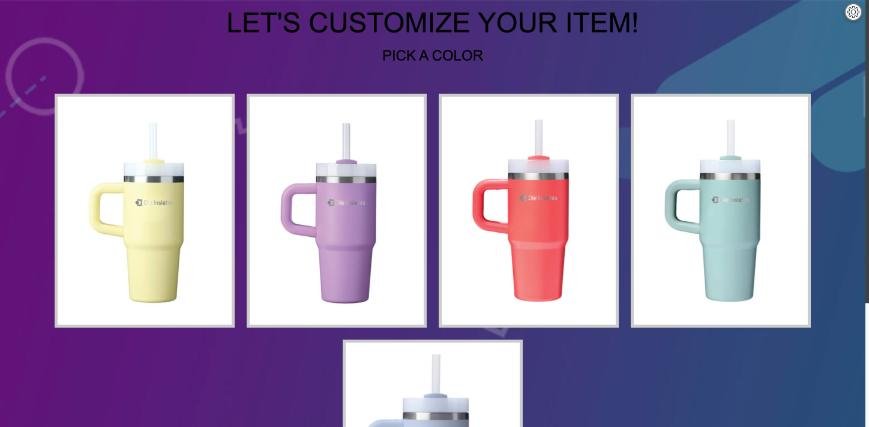
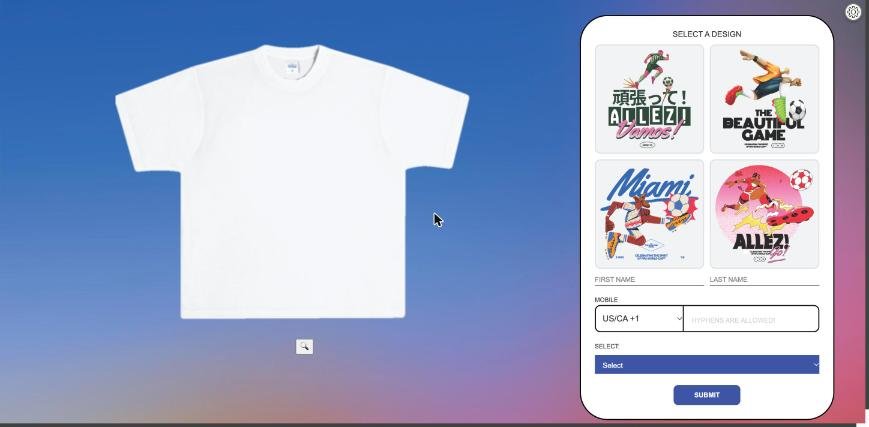
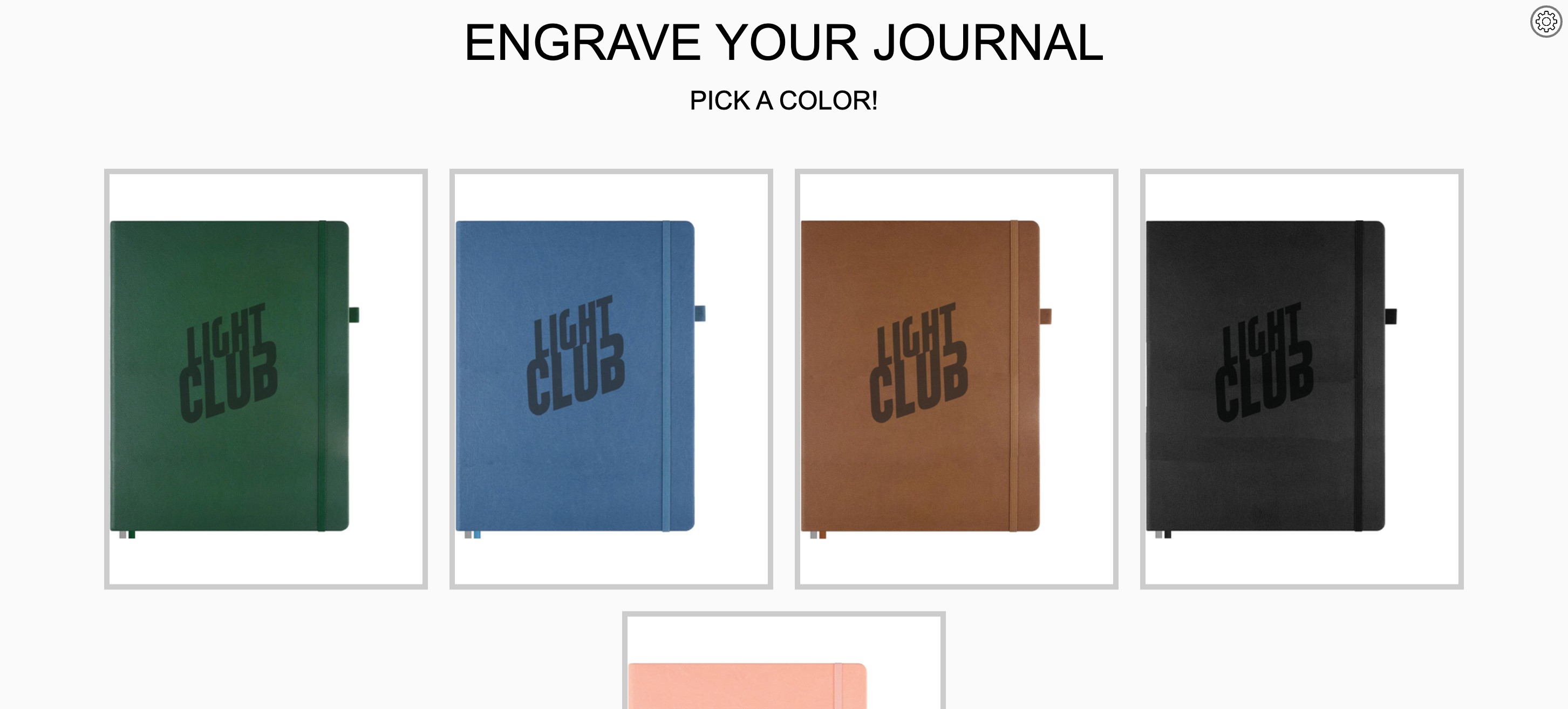
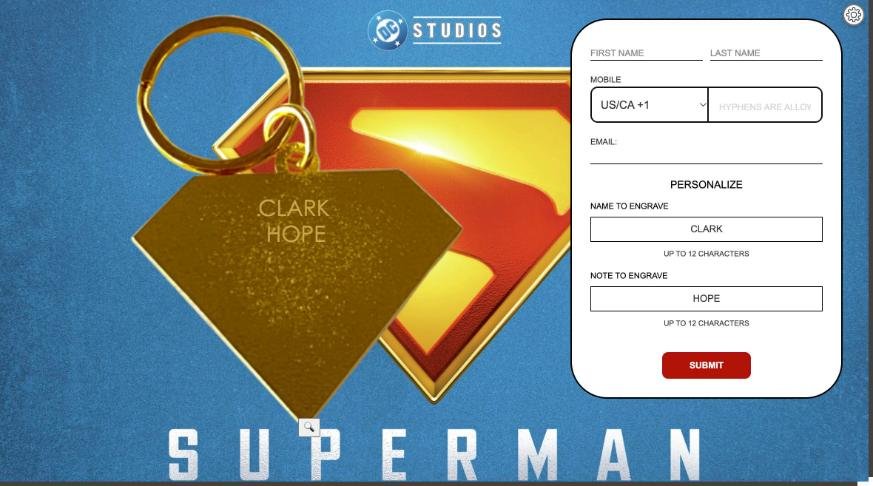
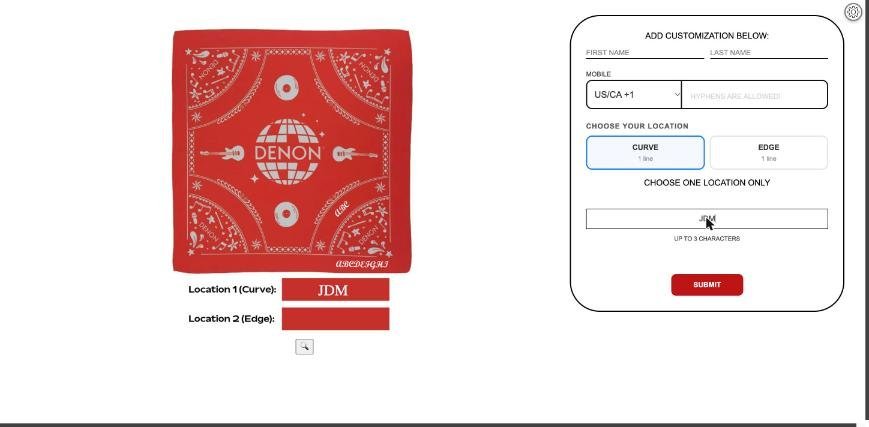
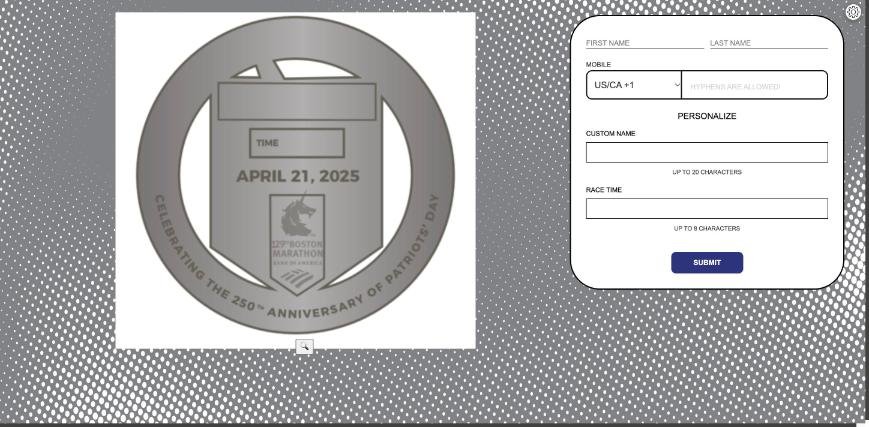
Guests order on iPads at the booth or on their own phones. Each event gets its own background, colors, fonts, products and questions, so the screen belongs to the brand, not to us. A superhero film premiere, a golf outing, a video game launch and a BODYARMOR FLASH I.V. activation all run on the same system and look nothing alike.
Guests see it before we make it
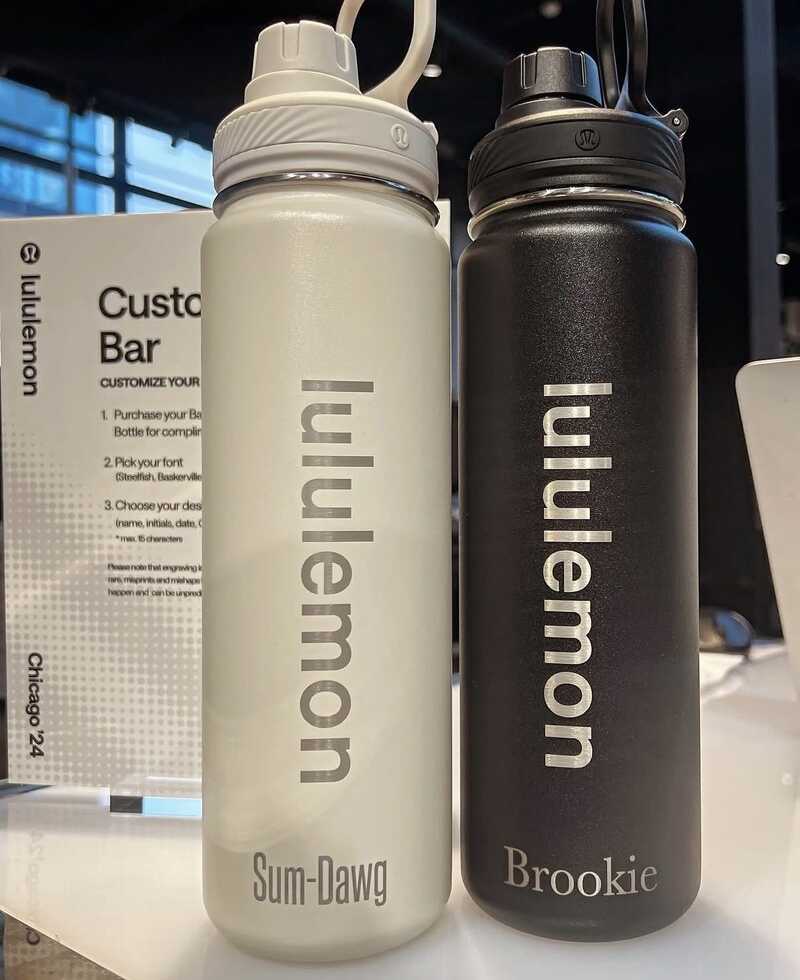
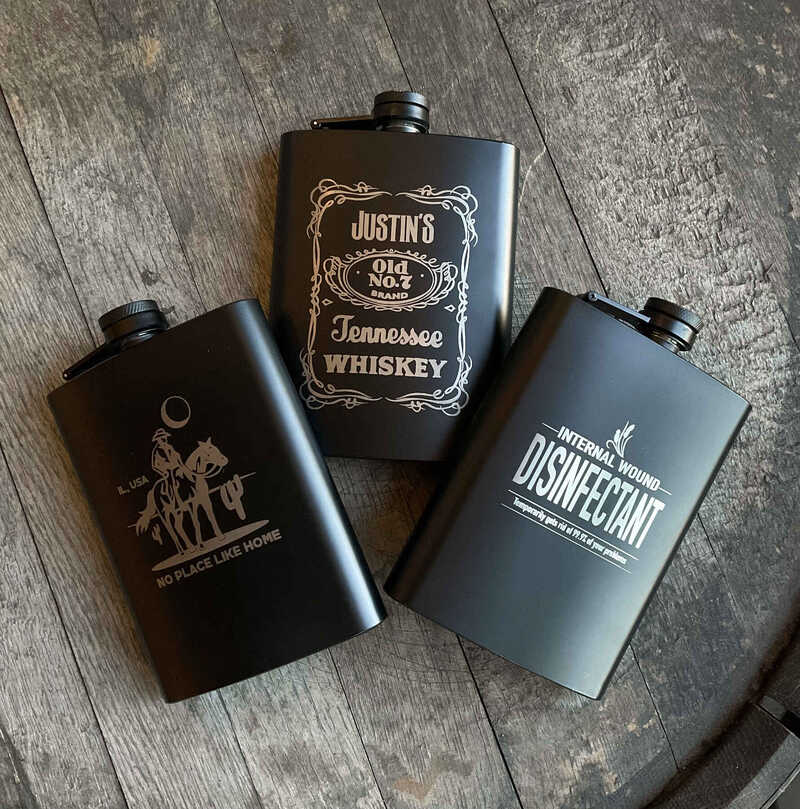
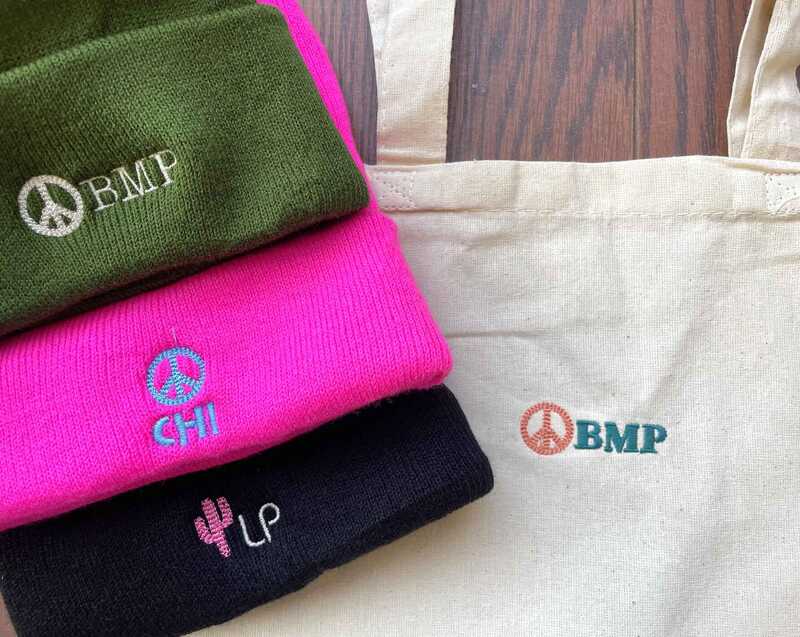
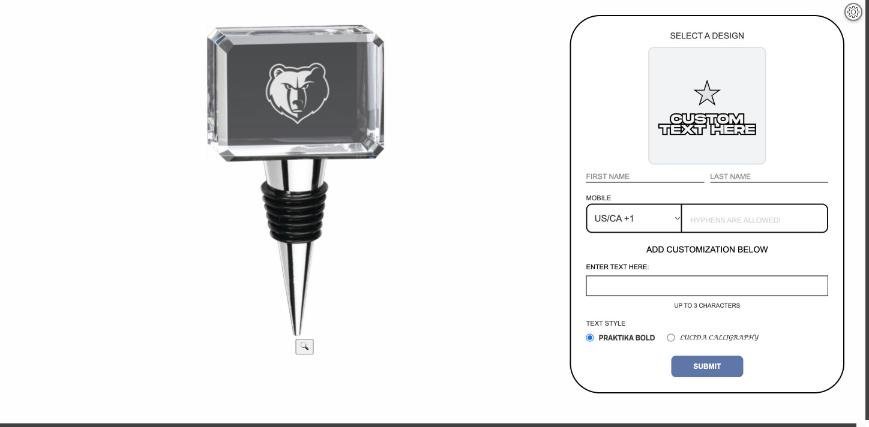
As a guest types, their text appears on a photo of the actual product, in the font they picked, right where we'll engrave or stitch it. Fewer surprises at pickup, fewer remakes.
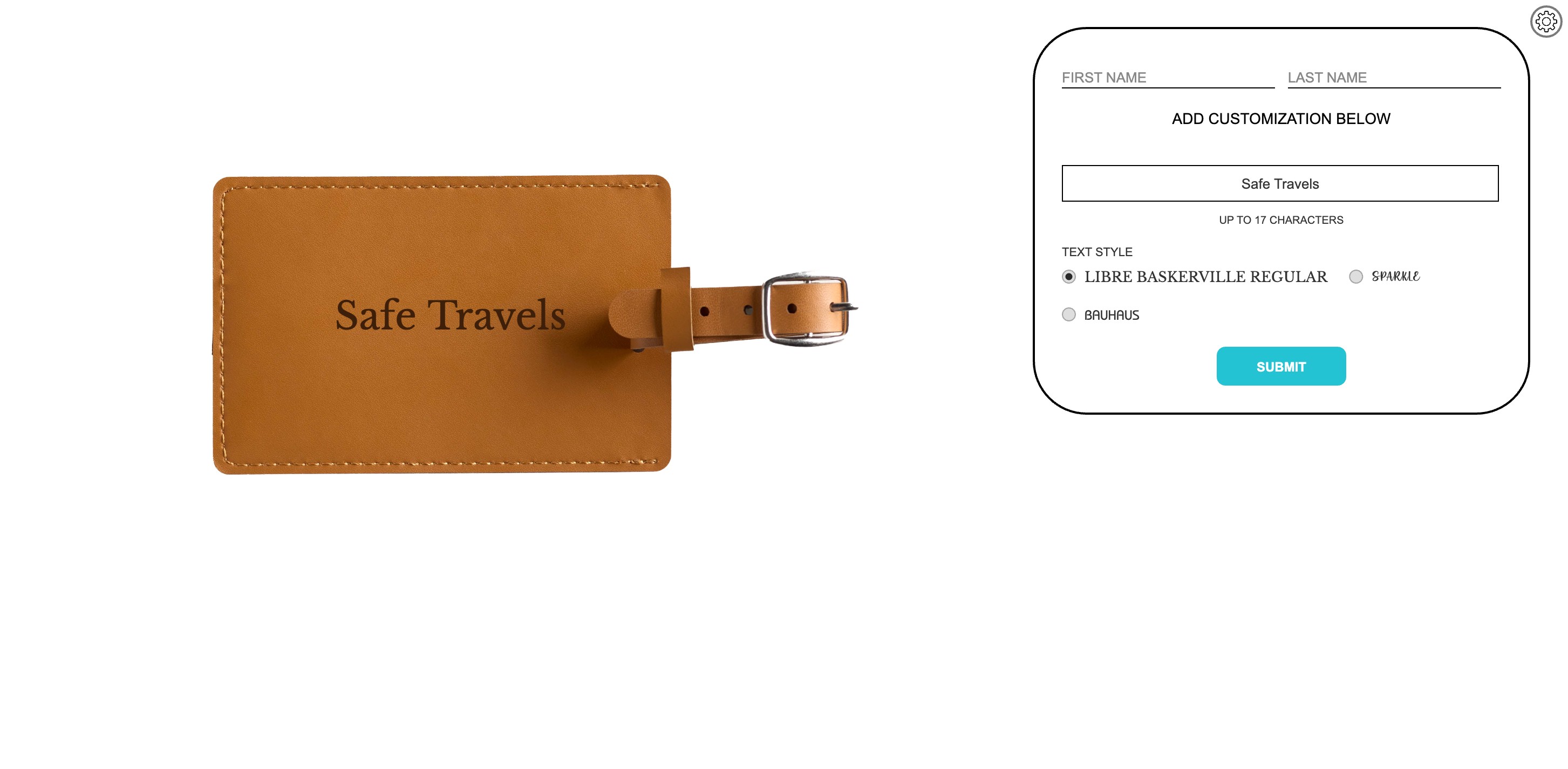
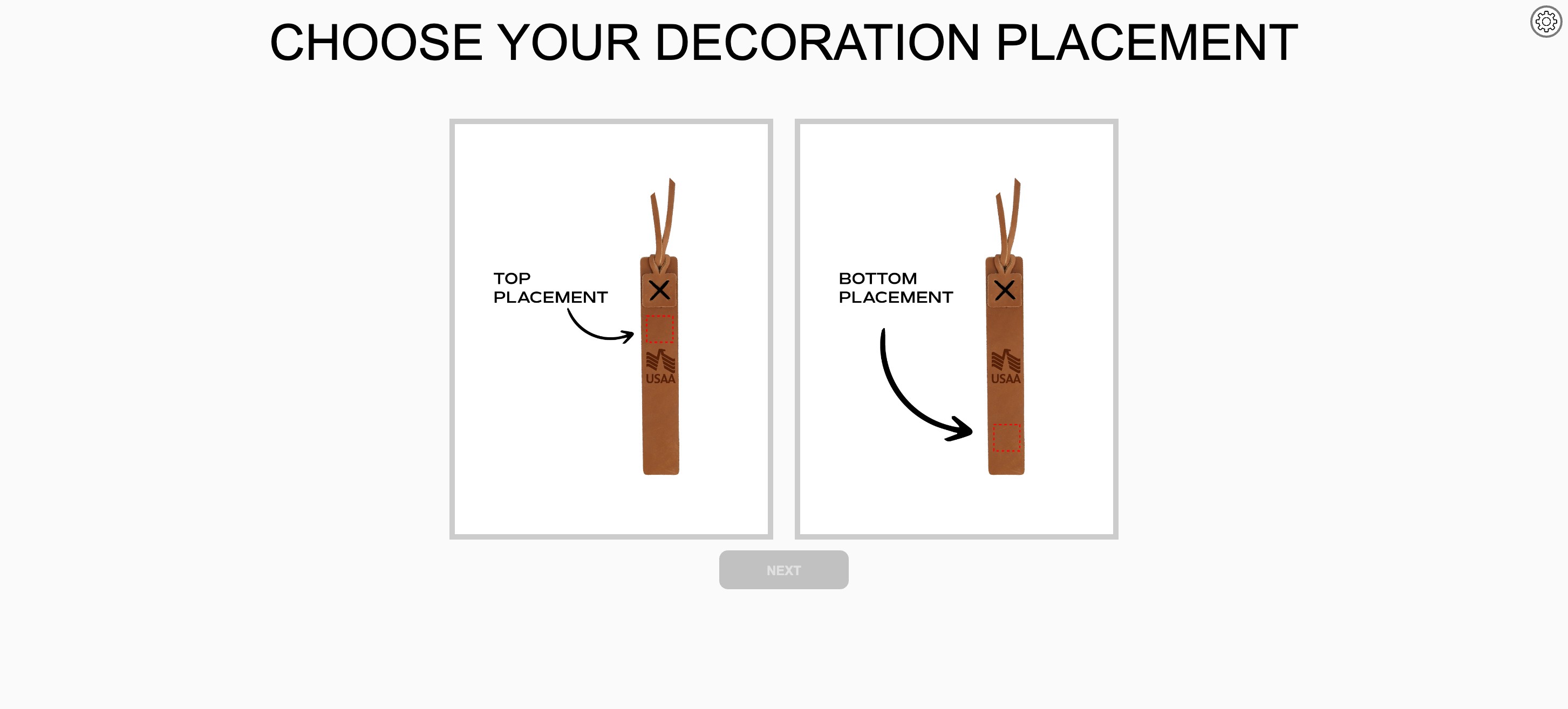
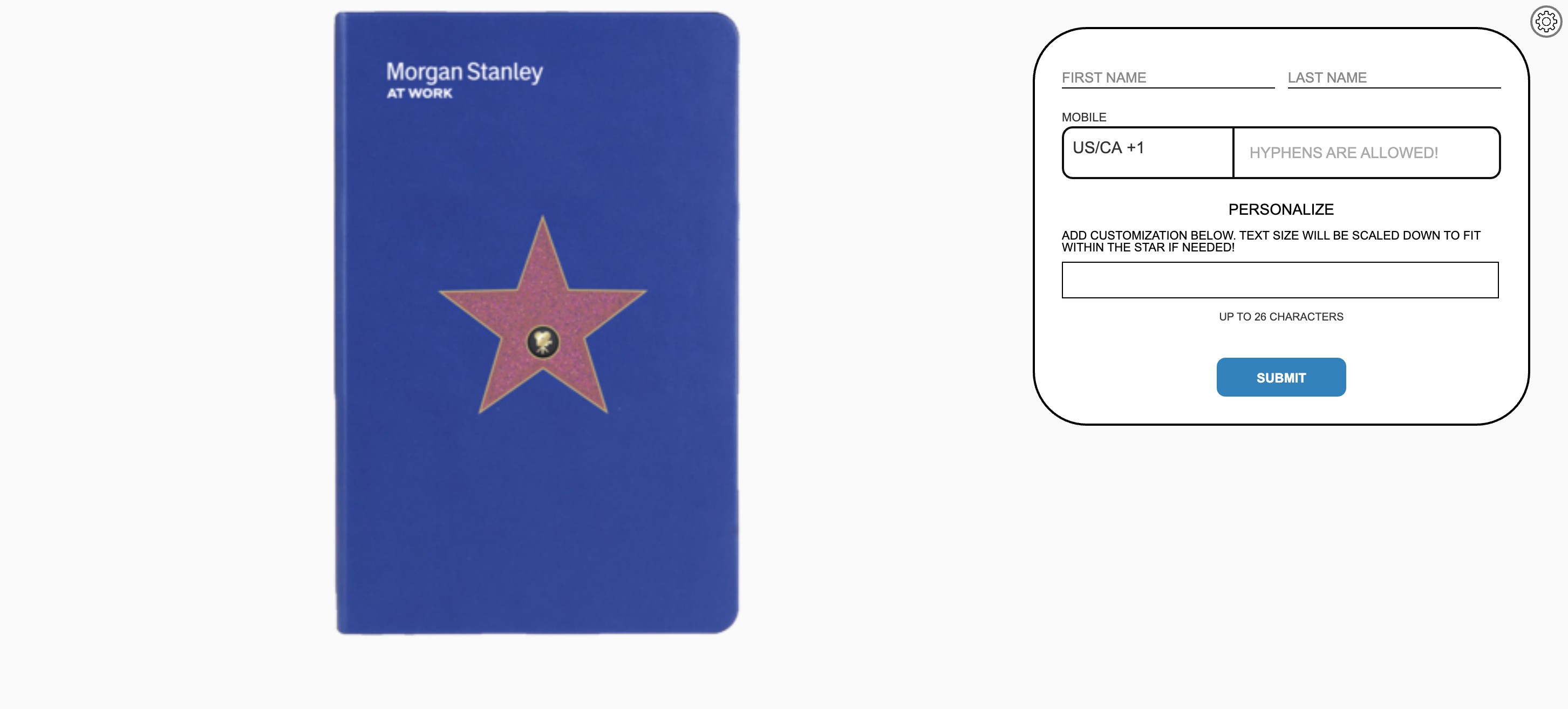
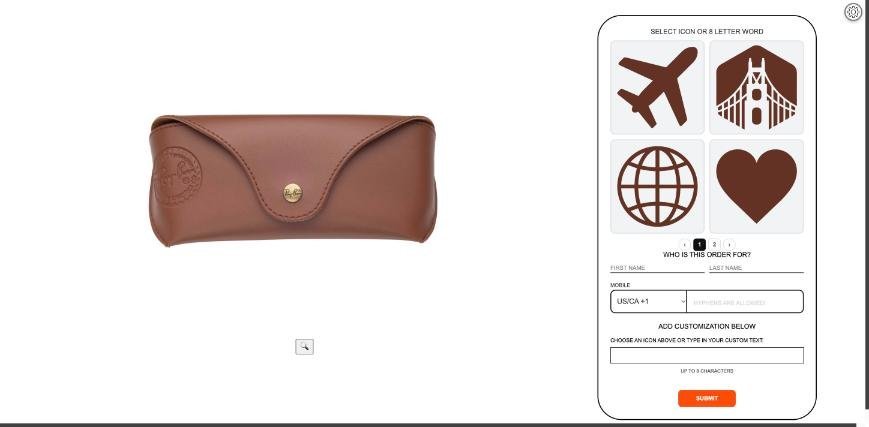
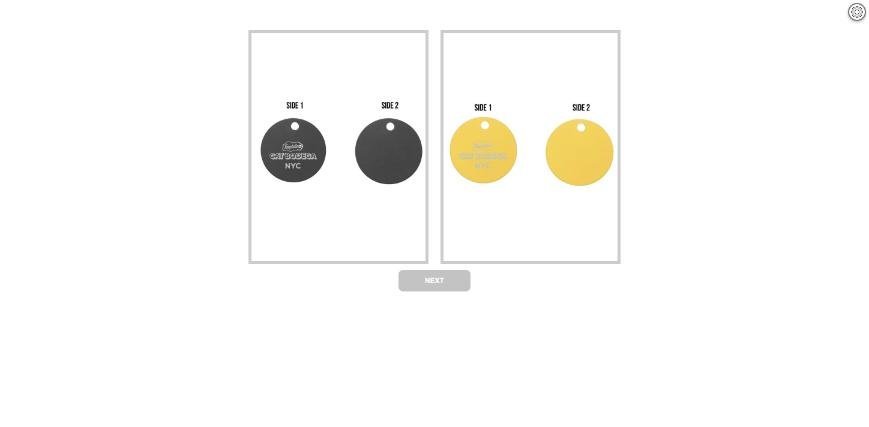
Brands choose the fonts guests can pick from, and character limits are enforced as guests type, so an engraving never runs off the edge. Guests can pick a design or icon instead of text, events can ask for more than one field, like a runner's name and finish time on a Boston Marathon medal, and two sided products work too.
Inventory that keeps up with the line
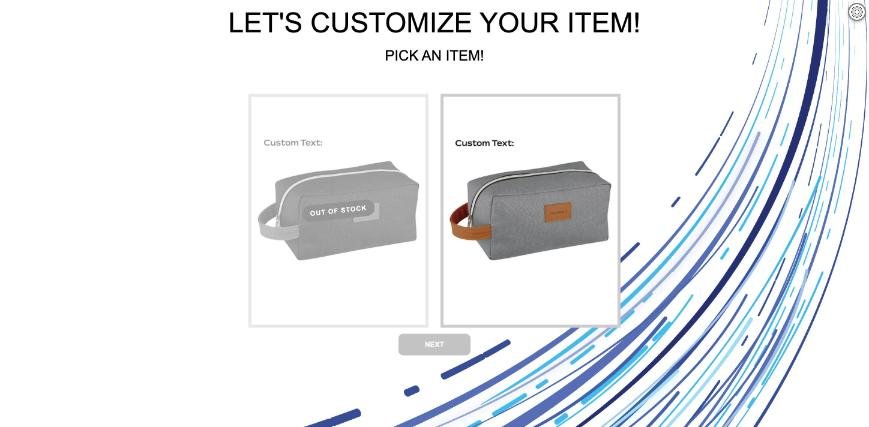
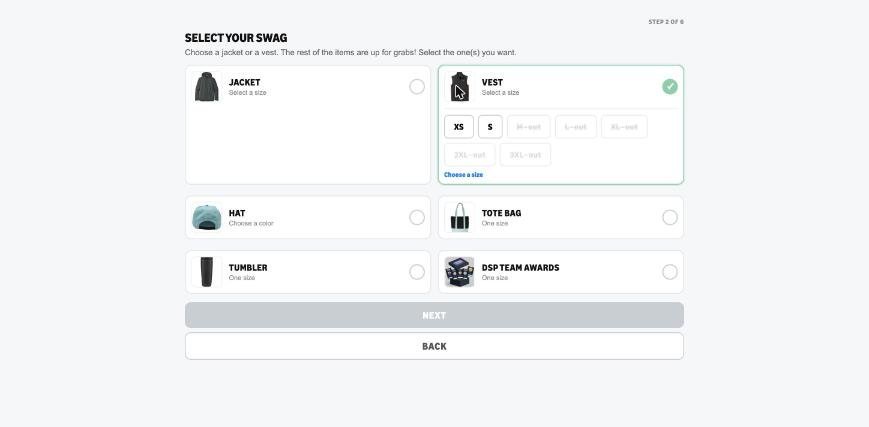
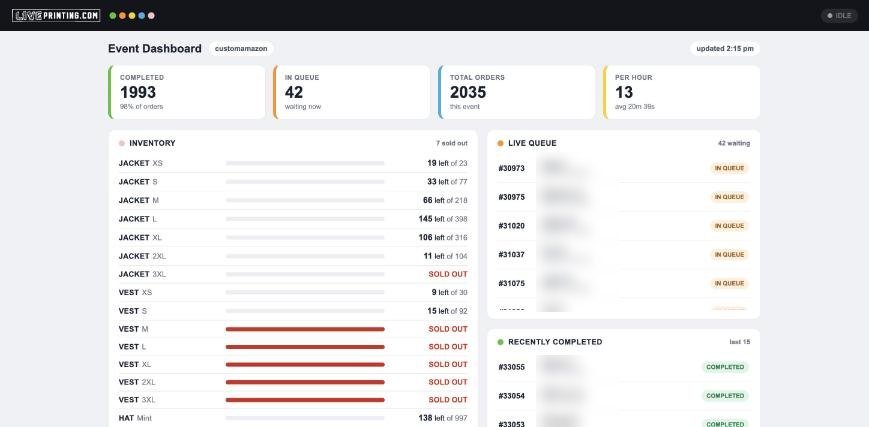
The app tracks stock by item and size while the event runs. A sold out size is greyed out before the next guest can pick it, and a sold out item says so on its tile.
Data capture is built in
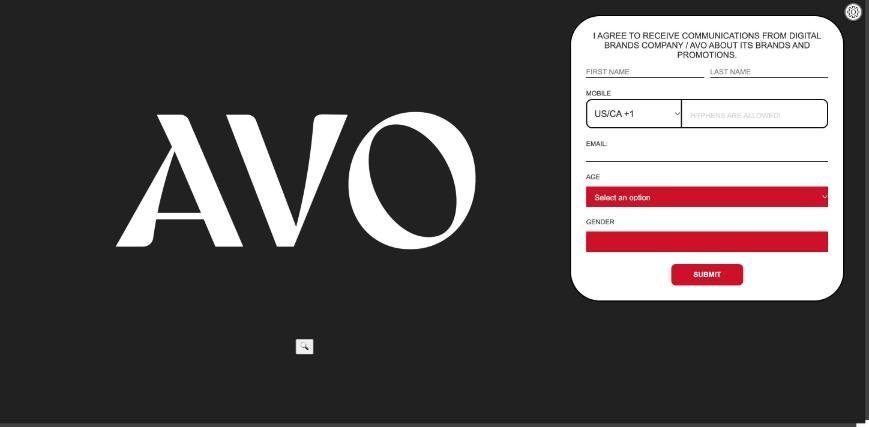
For a lot of brands, the merch is the hook and the data is the point. Every event collects exactly the fields the brand needs: name, mobile, email and custom questions, any of them required. Opt in and terms checkboxes link to the brand's own policies and record who agreed.
At a recent BODYARMOR FLASH I.V. activation, all 272 orders came back with the guest's favorite flavor, whether they knew the product, and their answer on the terms checkbox.
A photobooth that ends in an engraving
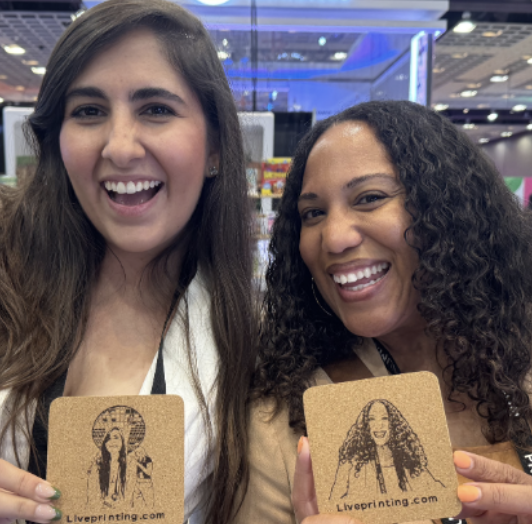
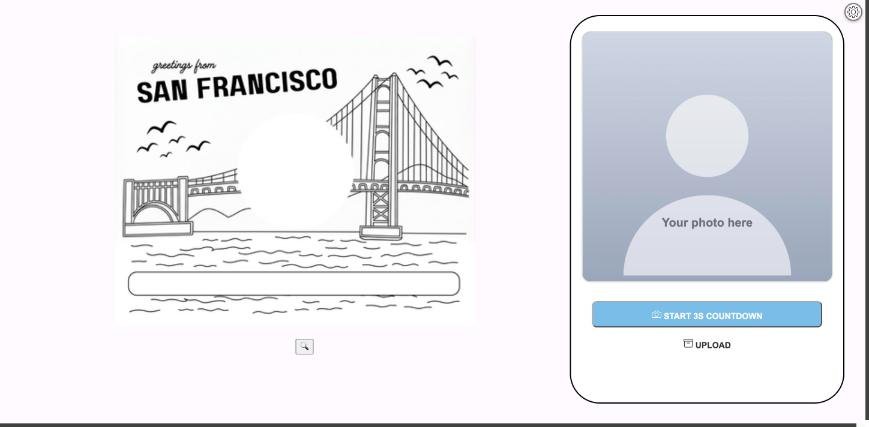
Our app has a photobooth built in. Guests hit a three second countdown or upload a photo, and the picture can be restyled by AI, given a film look or cropped to a circle before it goes to the laser, onto a "greetings from San Francisco" postcard or a bamboo bottle opener coaster.
When the brief doesn't fit a template
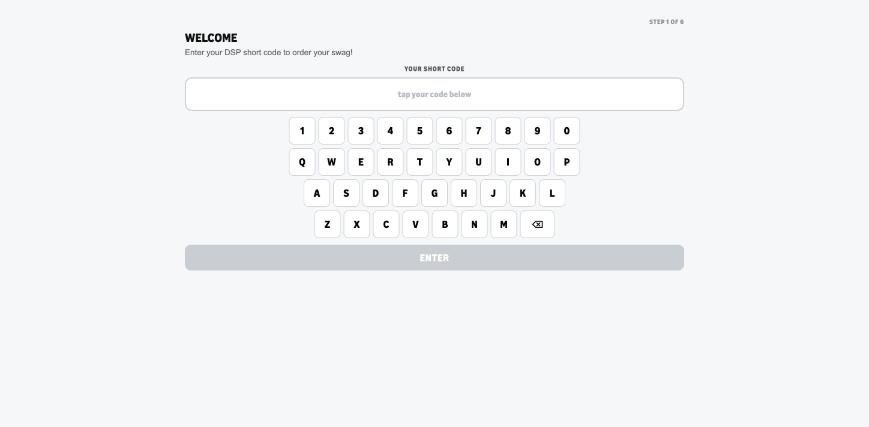
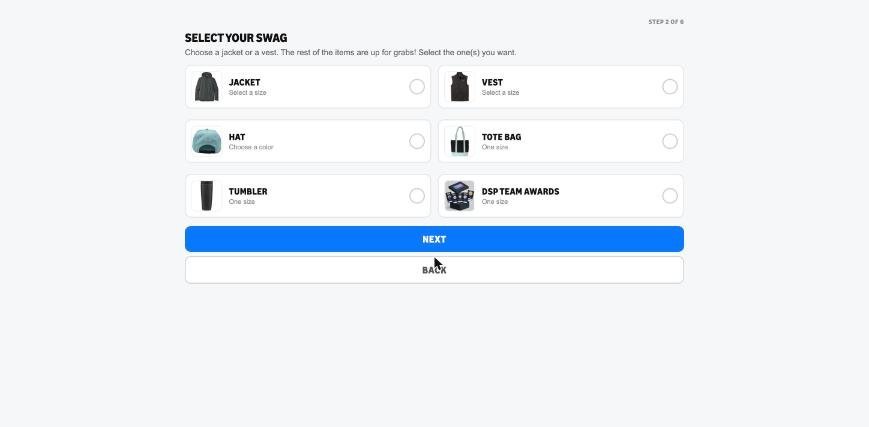
For a two day Amazon Delivery Service Partner show, we built a dedicated app on the same platform. Guests typed a personal short code, the app filled in their name and phone, and they built a full swag kit: a jacket or vest in their size, a hat, a tote, an engraved tumbler and a team award. 2,035 orders came through in two days, 1,471 of them personalized.
Behind the counter and in front of the client
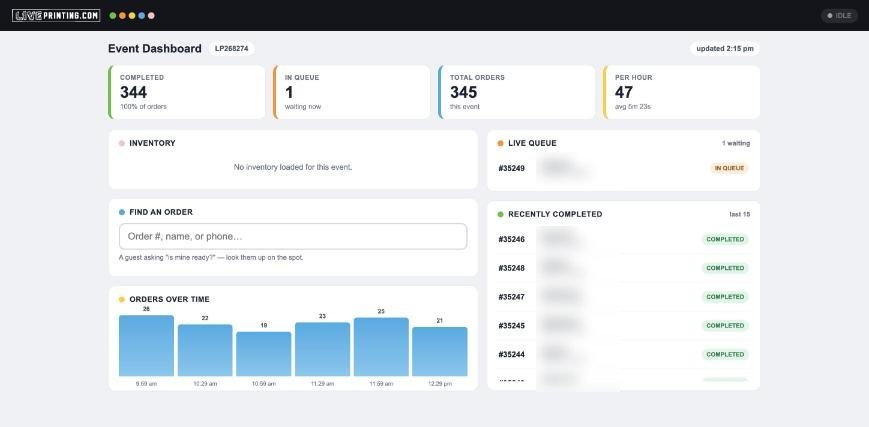
The app is built for our staff too. Every order lands in a live production queue, each station sees only its own work, and the crew marks orders complete as they go, so the guest gets a text when theirs is ready. Clients get their own live view with orders completed, the queue, orders per hour and stock left by size, updating all day.
Built for big events
For large events, the app runs full merchandise management, and payment processing is built in. It works with APIs too, so it can connect to the systems a brand already uses. Guests can upload their own photos as well as take one at the booth.
Every Liveprinting event runs on this app, set up for your brand, your products and the data you want to collect. Tell us what you're planning and we'll show you what it looks like with your logo on it.